
IMPORTANT ASPECTS
Important Aspects / Instructions for using the app:
Resident/Gateman will download
app from Google Play Store.
Society admin can register himself in same app as respective role on behalf of society.
Residents need to purchase the paid plan to use the features , else will ask to go with paid plan.
By default, Residents will have paid option, but Super -admin can manually activate free trial option for specific days for a specific society.
Residents need to have their account logged in with working internet to receive instant alerts of the app.
In Gateman app, Govt ID can be set mandatory to mark entry of visitor in app. This option can also be changed by Society -Admin.
SOCIETY ADMIN
This role will administer all society rights of all gateman and residents from that specific society. Let’s Checkout all of them briefly ahead:

Society-Admin Rights :
Society-Admin will have to access the
web-portal, with which he can manage
all the rights to :
My Society Profile
Society admin can manage profile of
his own society with all profile
parameters like:
Society name, location, address
etc..

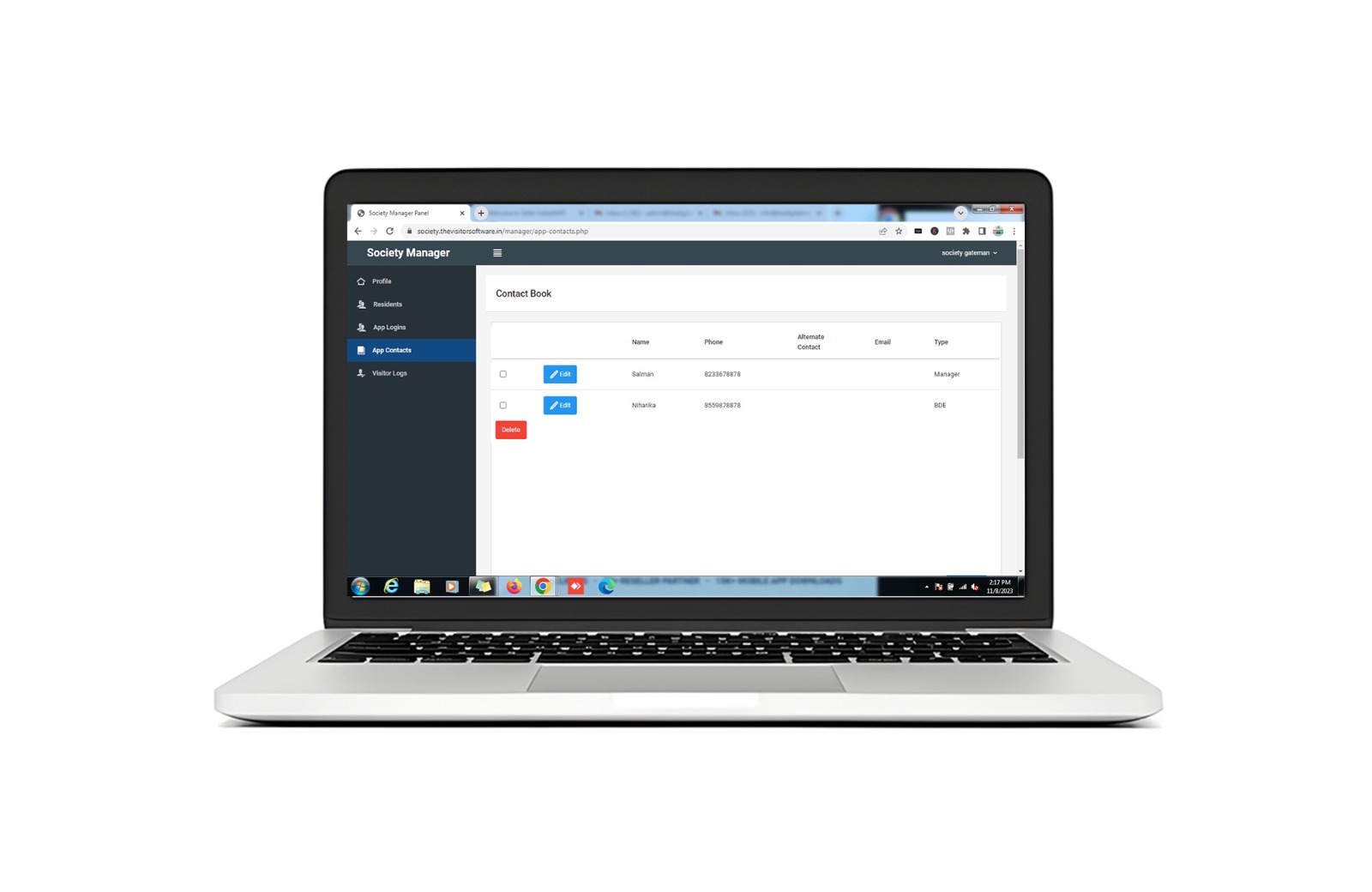
society Contact Book :
Society contact book (Society staff
contacts)
It will have list of all the contacts of
society staff which residents can
directly access from the app.
My Residents:
Society Admin can view the list of all
the residents. He cannot update
their data as in the flow.

Visitors Log :
Society admin can view all the list of
Visitors by latest getting In/Out with
all the details captured of visitor.
Gateman Management
Society admin can
• View all Gatemen
• Add Gateman
• Update Gateman
• Delete Gateman

My Residents :
Society Admin can view the list of all the residents. He cannot update their data as in the flow.
GATEMAN MODULE
Gateman login will be created by Society Admin. This role will administer all society rights of all gateman and residents from that specific society.
Let’s Checkout all of them briefly ahead:
Gateman will have the following access:
▹ Visitors Check IN - OUT option
▹ Mark IN (for any NOT IN visitor)
▹ Mark Out (for any IN visitor)
▹ ark Reject (for any IN visitor)
▹ Mark Regular (for any daily marked
entry to skip daily verification of resident)
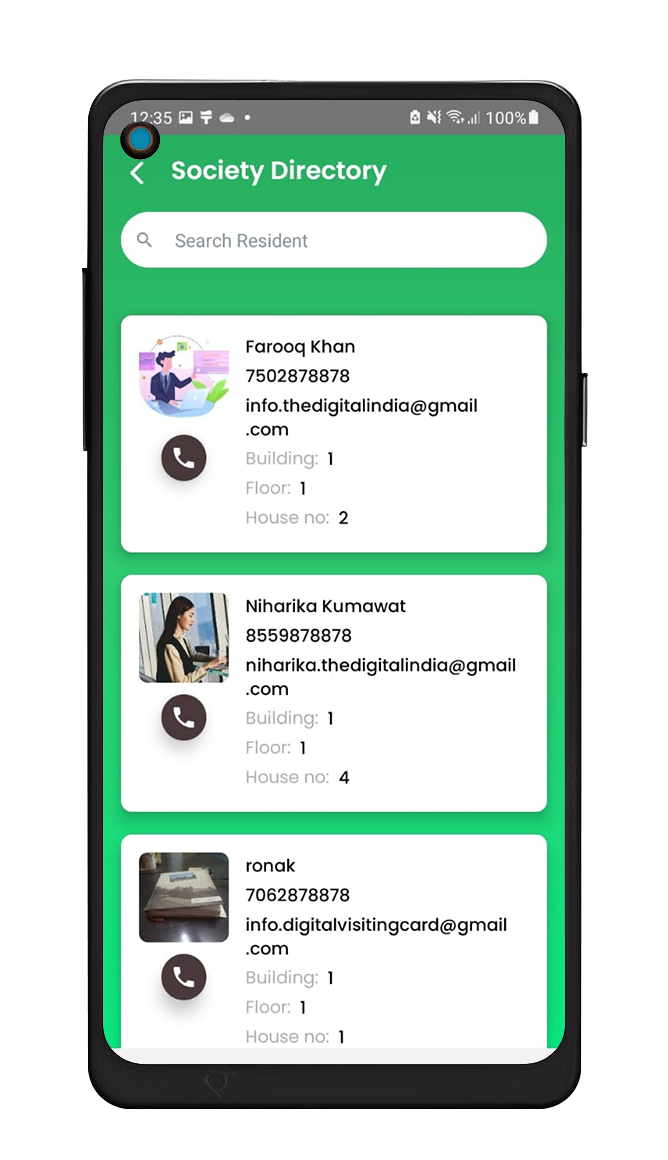
Resident To meet with in-depth detail with
Resident name & house no, block no, floor no
Phone no & Button to call
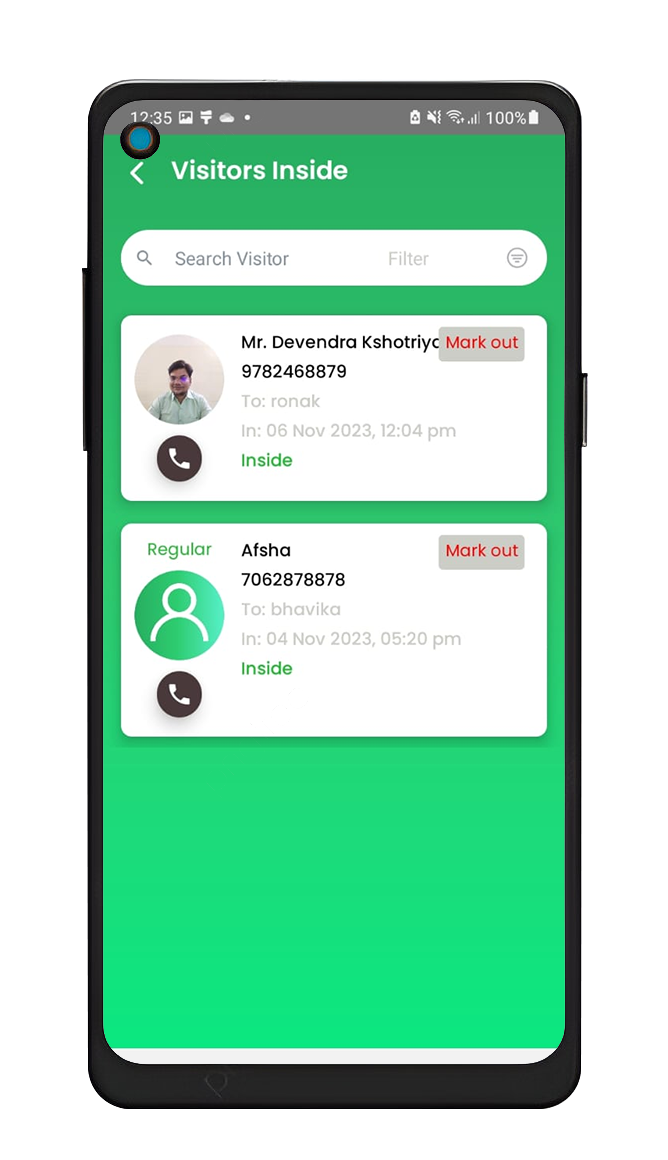
Visitors Logs:
List of all visitors getting IN and OUT through the society. Gateman will have list of all Visitors categorized by IN, Out and Not IN, hence gives the list of all visitors filtered as Regular (daily visitor)
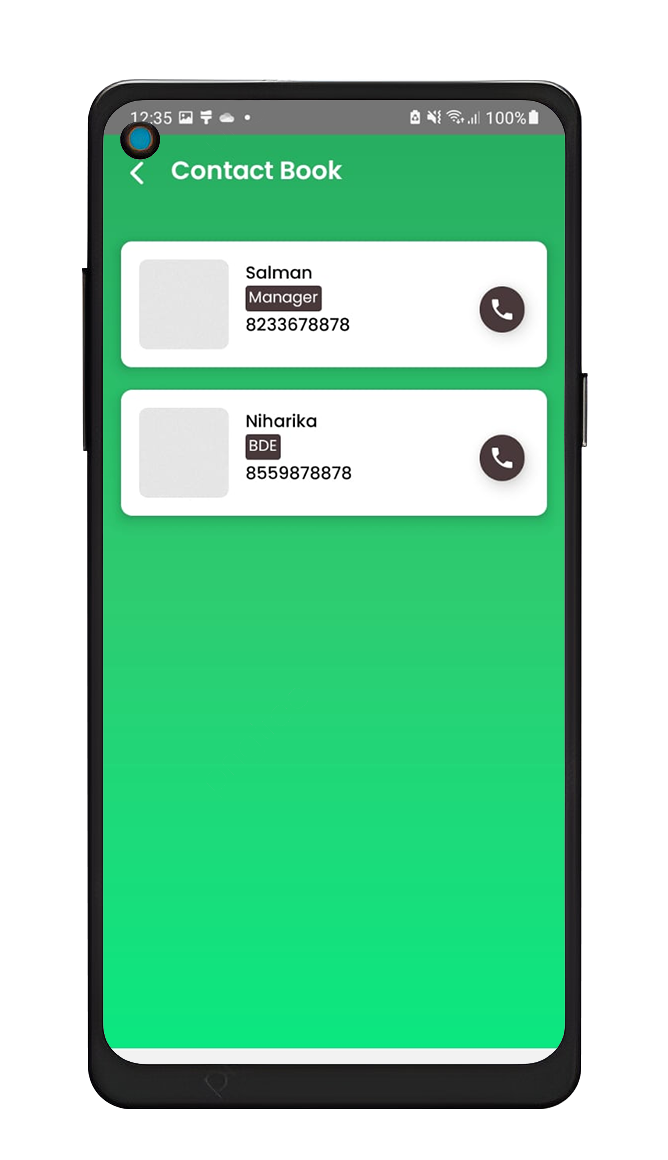
Society Contact Book:
It will have list of all the contacts of society staff which residents can directly access from the app.
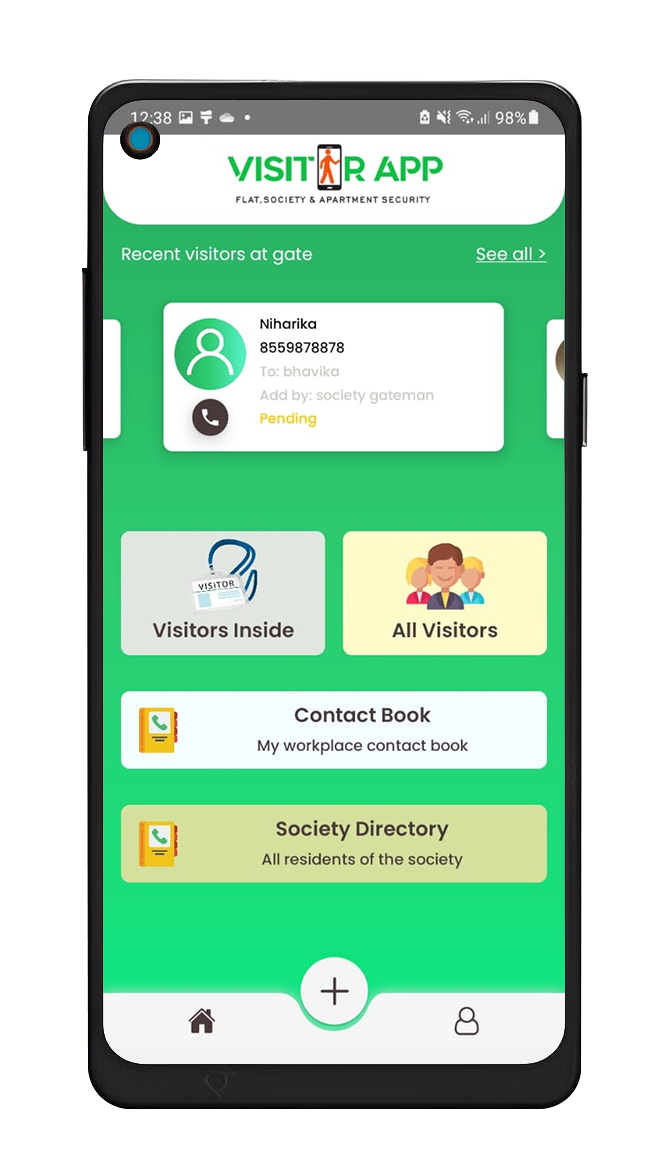
My Residents details :
Society Admin can view the list of all the residents. He cannot update their data as in the flow.
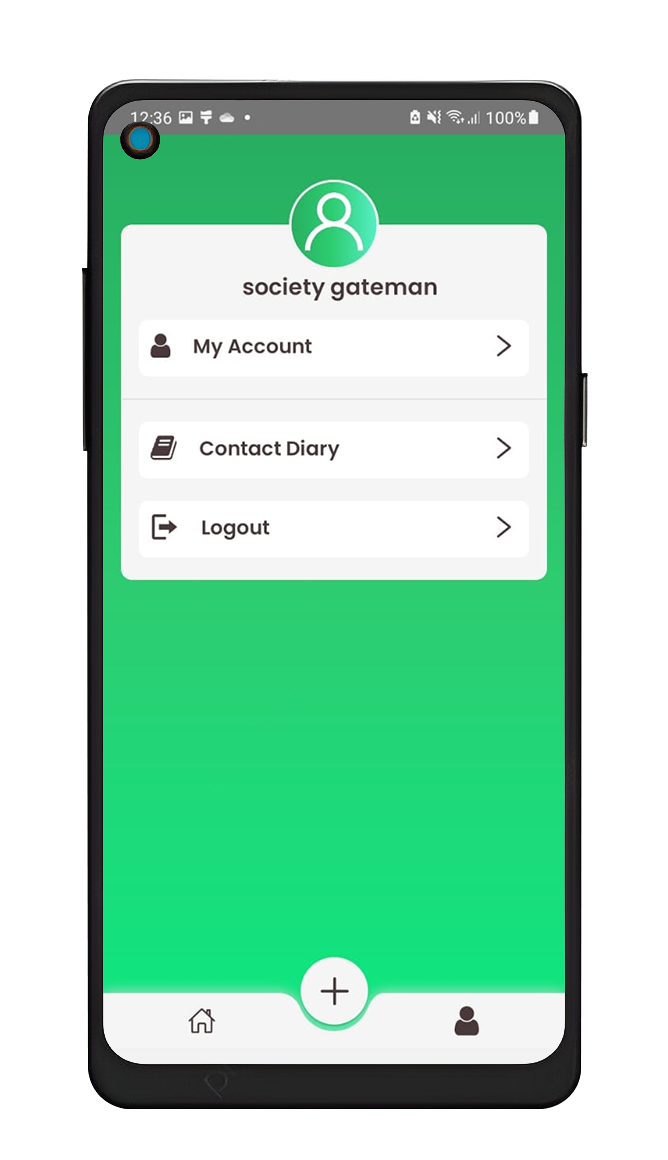
Resident To meet with in-depth detail with
Resident name & house no, block no, floor no
Phone no & Button to call
RESIDENT MODULE
This role will communicate with gateman for all IN/Out Alerts initiated by Society Gateman. Also he can manage to add and allow/reject any visitor entry as per requirement.
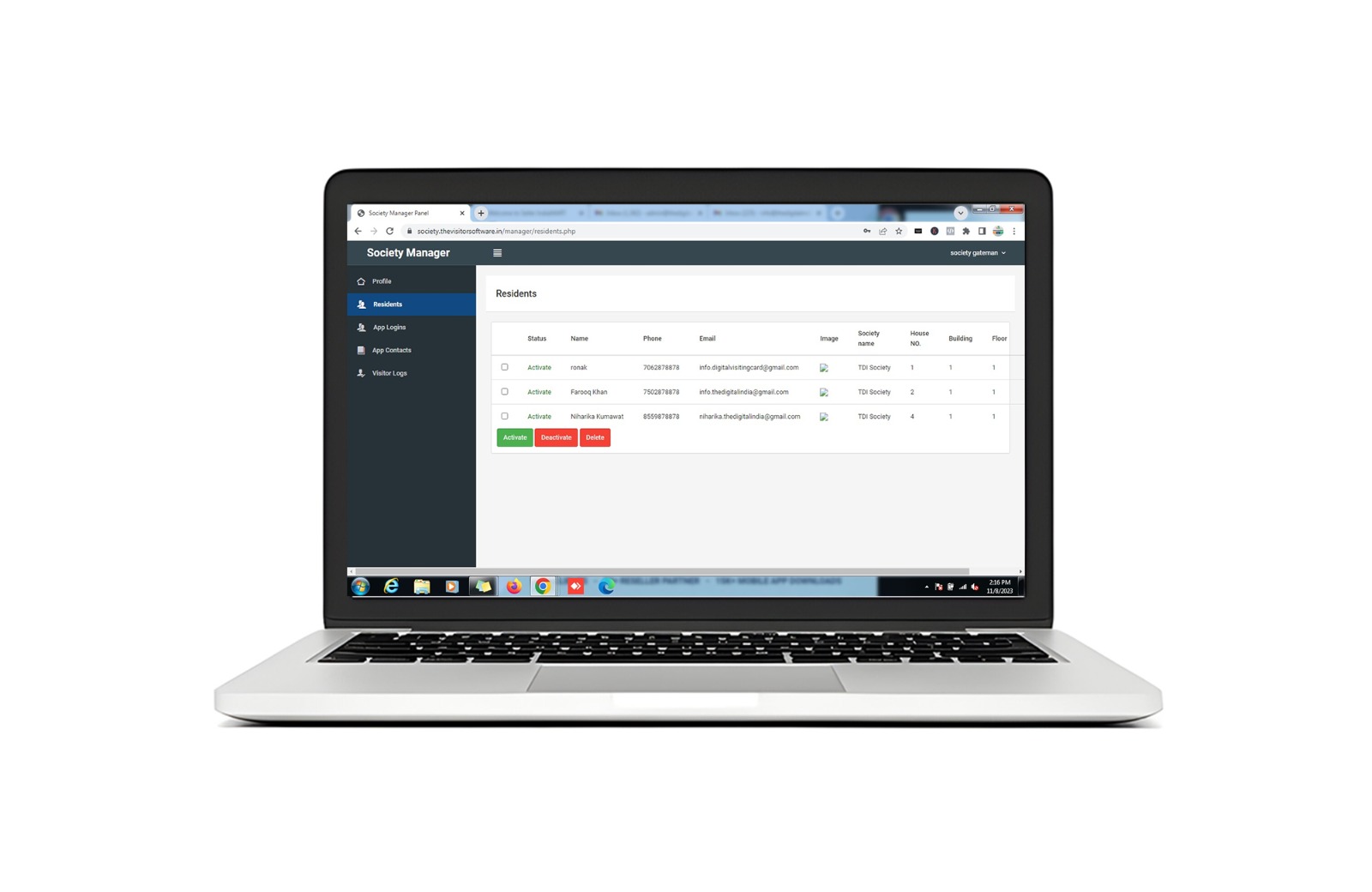
Login:
Resident can login into app by registered mobile number &
verification of OTP.
My Visitors List of all visitors getting IN and OUT through the society to meet him/her.
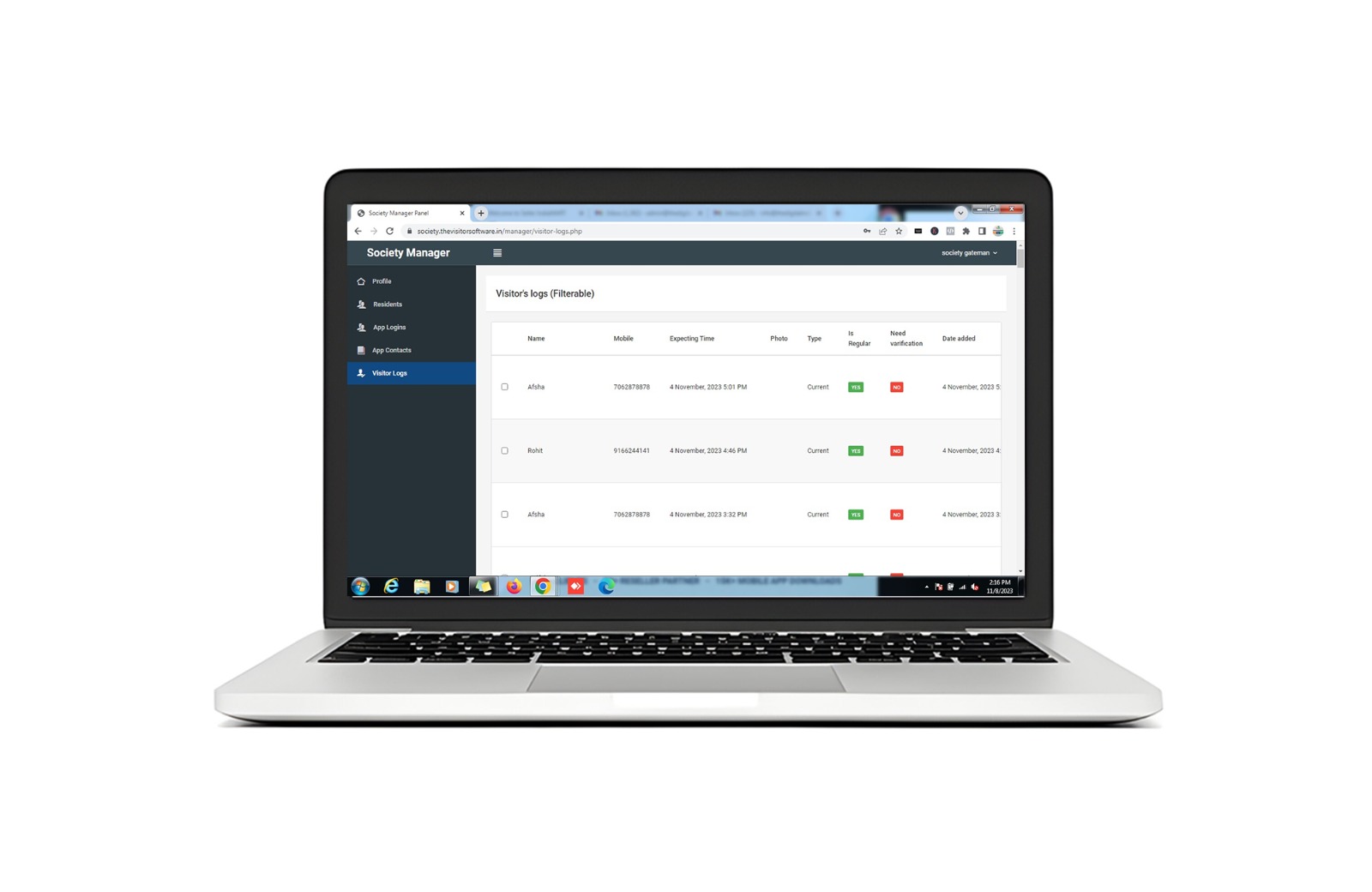
New Visitor Alert:
This has alert box of any new visitor for confirmation to allow or reject immediately that will send immediate notification alert to Gateman to reject or allow the entry of gateman
Visitors Log:
Visitors Log This has the history log of visitors getting in/out
with following fields:
*Visitor Name *Visitor Photo *Visitor Message *Date of IN *Time of IN *Date of Out *Time
of Out
Pricing Plans
The Best Plan for your business
Yearly Price Plan
Offer Price
Rs. 15,000/-*
per year
Rs. 11,000/-* per year
Lifetime Price Plan (White Lable)
Rs. 35000/-* lifetime validity